Close the tabs.
Keep your place.
Back Pocket saves your tab groups with every tab’s Back history. Open them again next month: each tab waits for your click, and Back still goes where it went.
Free · Up to 50 Back pages a tab · Google Chrome and Microsoft Edge
 Back Pocket
 Lisbon - Wikipedia↶ 3
 Flat in Alfama with a river view - Airbnb
 Cheap flights to Lisbon - Skyscanner↶ 2
 Pastéis de Belém - Google Maps
 Lisbon walking tour, Alfama to Baixa - YouTube
 Fix sync on import · Pull request #482
 Q4 roadmap - Google Docs↶ 4
 Onboarding, version 3 - Figma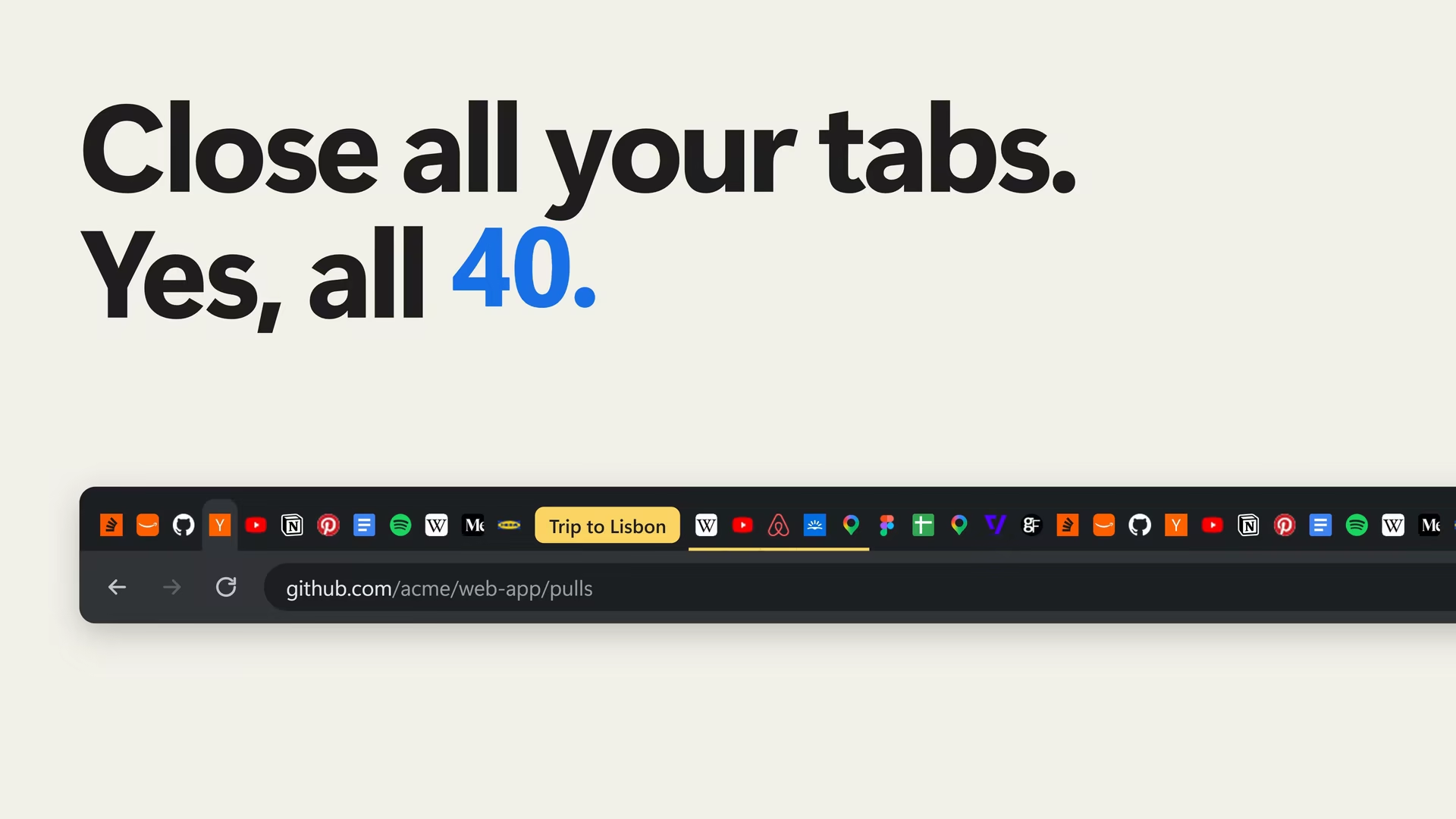
A saved group restored with its history: every tab comes back in its group, and Back goes where it went.
Reopen 40 tabs without the slowdown.
They wait for your click, history kept.
Chrome, reopening a saved groupall 40 load at once · no Back history
Back Pocket, restoring itonly the tab you open loads · ↶ every Back page kept
Lisbon - Wikipedia
 en.wikipedia.org/wiki/Lisbon Belém Tower - WikipediaAlfama - WikipediaLisbon walking tour - YouTubePortugal - Wikipedia
Back still goes
where it went.
Chrome reopens a saved group without its history. Back Pocket keeps each tab’s Back pages, up to 50 a tab, so the button works the way you left it.
Right beside the page
you are reading.
Click Back Pocket’s button in Chrome’s toolbar and it opens in the side panel. Save the tab you are on, find any tab, or put the others to sleep.
en.wikipedia.org/wiki/Lisbon Back PocketFull pageLisbon - WikipediaFlat in Alfama with a river view - AirbnbCheap flights to Lisbon - SkyscannerPastéis de Belém - Google MapsFree, with more in Pro
Back Pocket is free, for good. Pro adds sync through your own Google Drive, a backup every day and tab sleep, from $9.99 a year.
See pricing →Your tabs stay yours
Your tabs, their history and your saved groups stay in Chrome, or in your own Google Drive if you sync. Back Pocket never collects them.
Read the privacy policy →Questions
Which browsers it works in, the bar Chrome shows while history is restored, and what to do when something is not working.
Open Help →“I keep too many tabs open, so I made Back Pocket.”
Rupam, MarshalX
Add to Chrome, free Google Chrome 121 or later, and Microsoft Edge